 Tsumina
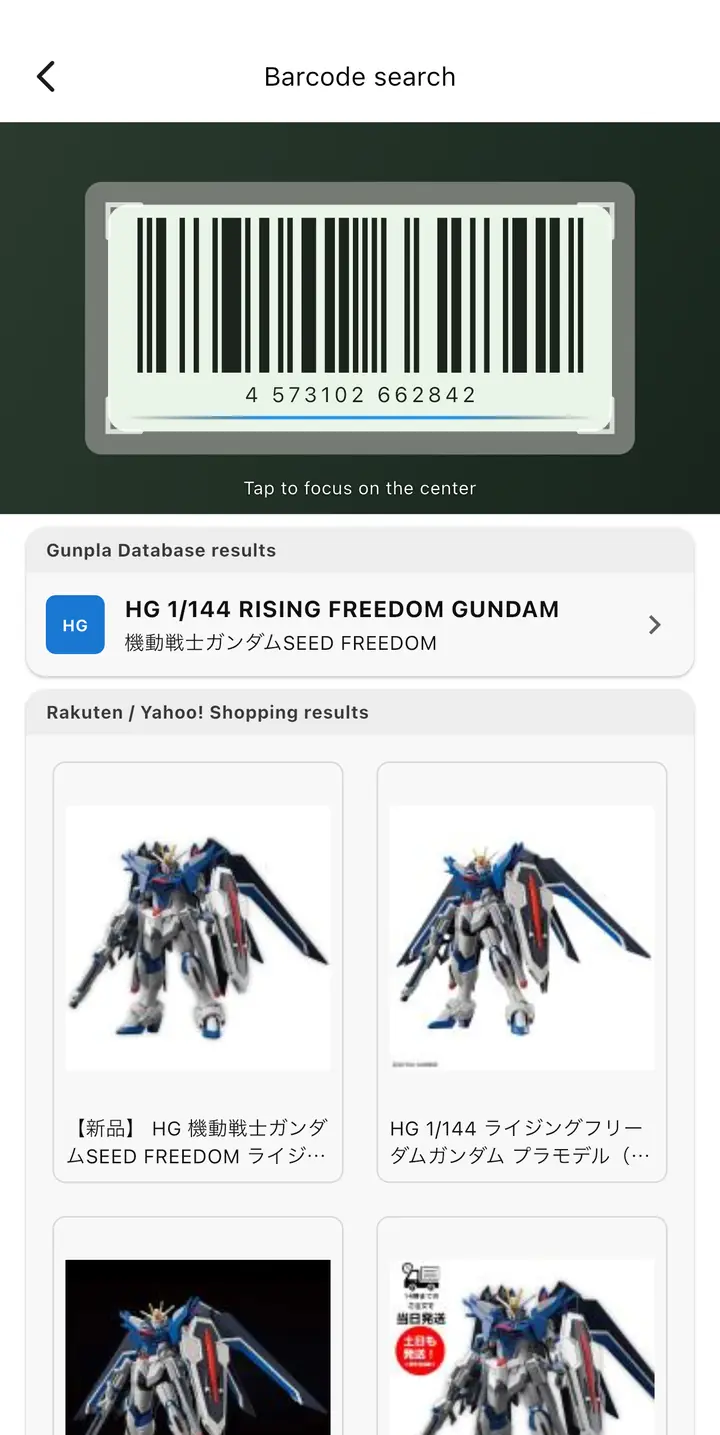
Register by barcode
Scan with the camera and matching products show up. You can also search by name, or enter a kit by hand when it can't be found.
From the day you buy it to the day it's built.
Scan a barcode to log a kit, then organize it with statuses, tags and notes. A model kit backlog manager you can look back on anytime.


Tsumina is where your backlog lives.
Scan with the camera and matching products show up. You can also search by name, or enter a kit by hand when it can't be found.
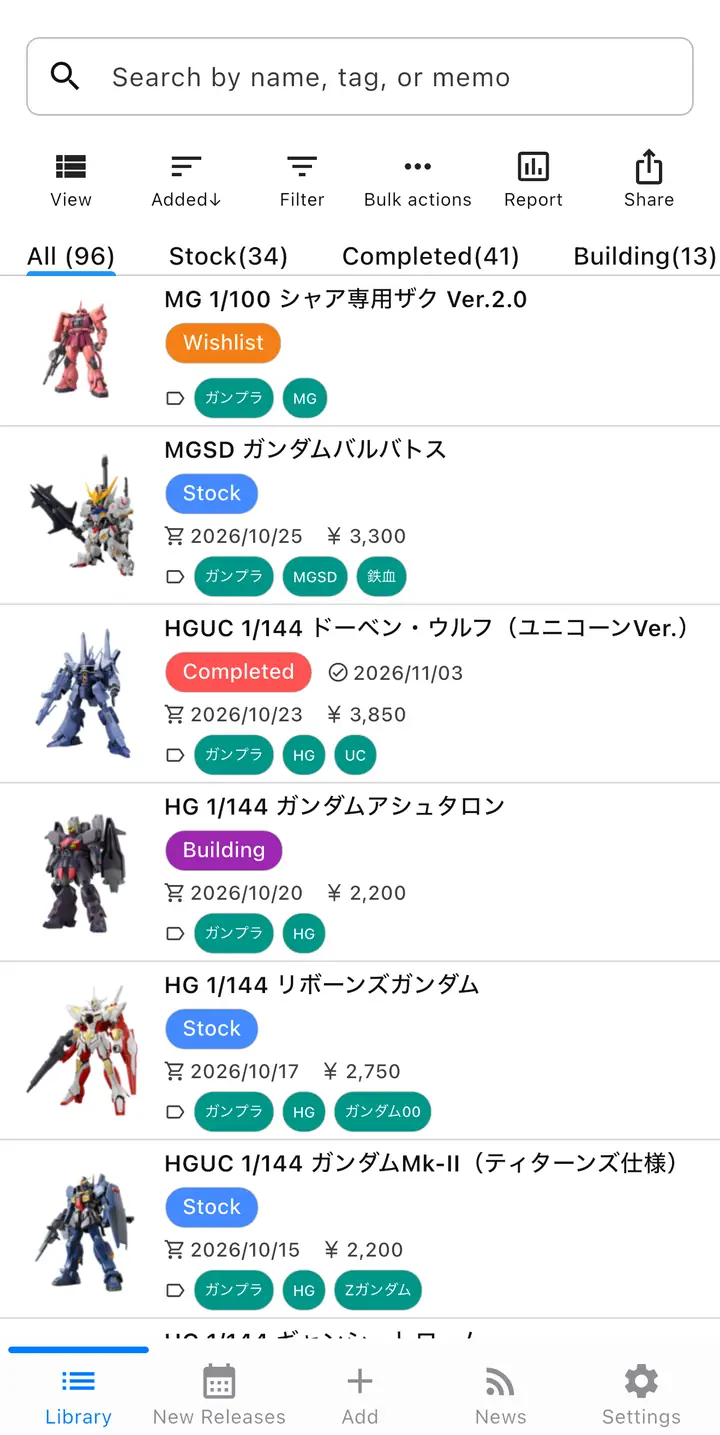
Tell Wishlist, Stock, Building and Completed apart by color. Filter freely, and change statuses and tags in bulk.
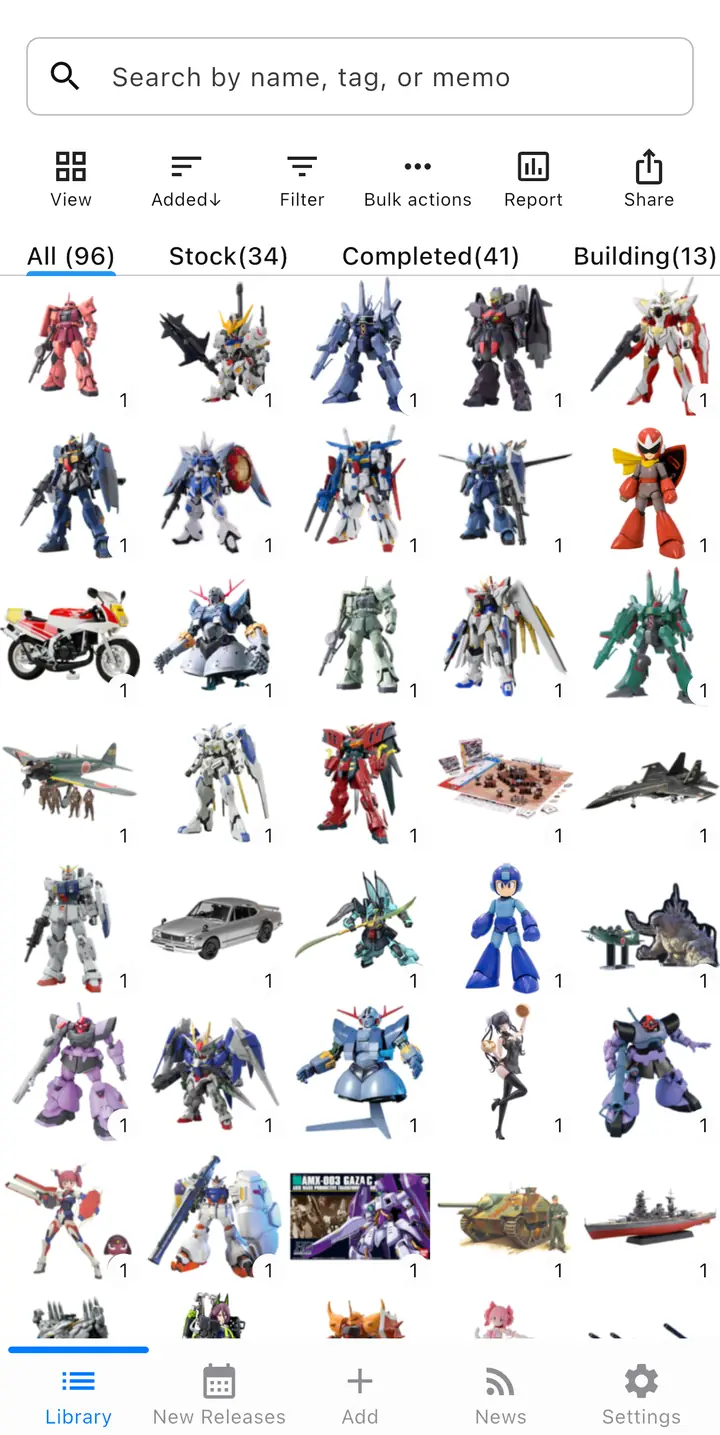
Switch between list and grid, and sort by date added, purchase date or price. Take in the whole pile at a glance.
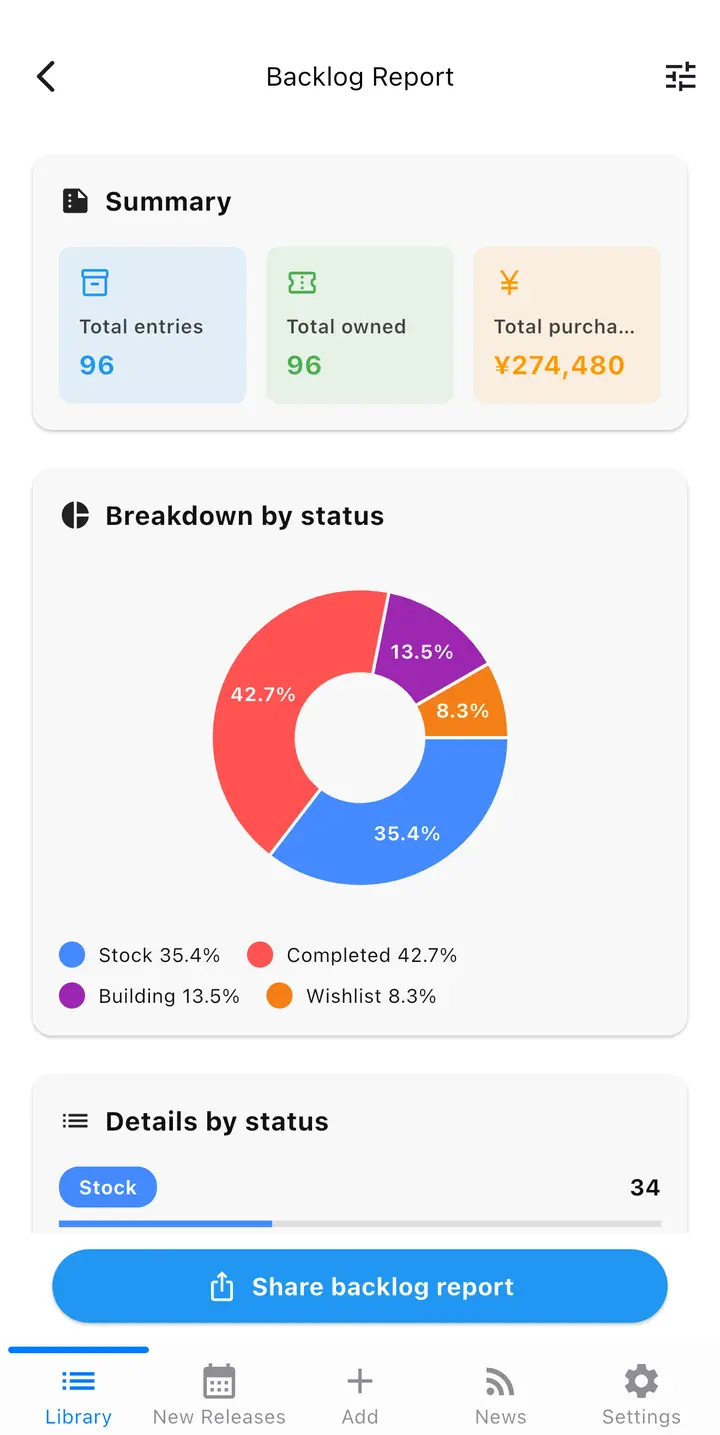
Total kits, total owned and total spent, with a breakdown by status and trends over time. Share it as an image.
Browse new releases by category. Put the kits you're curious about on your Wishlist.
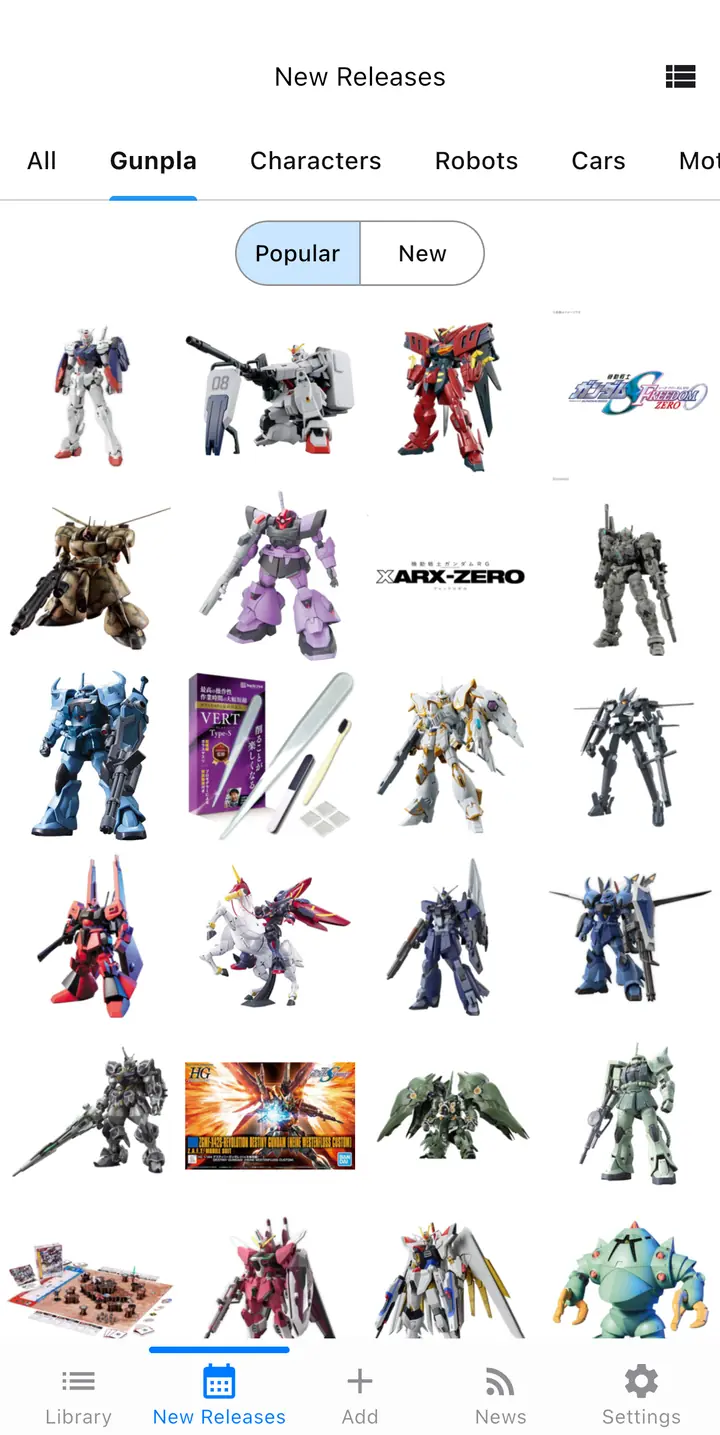
Read hobby news and don't miss what interests you.
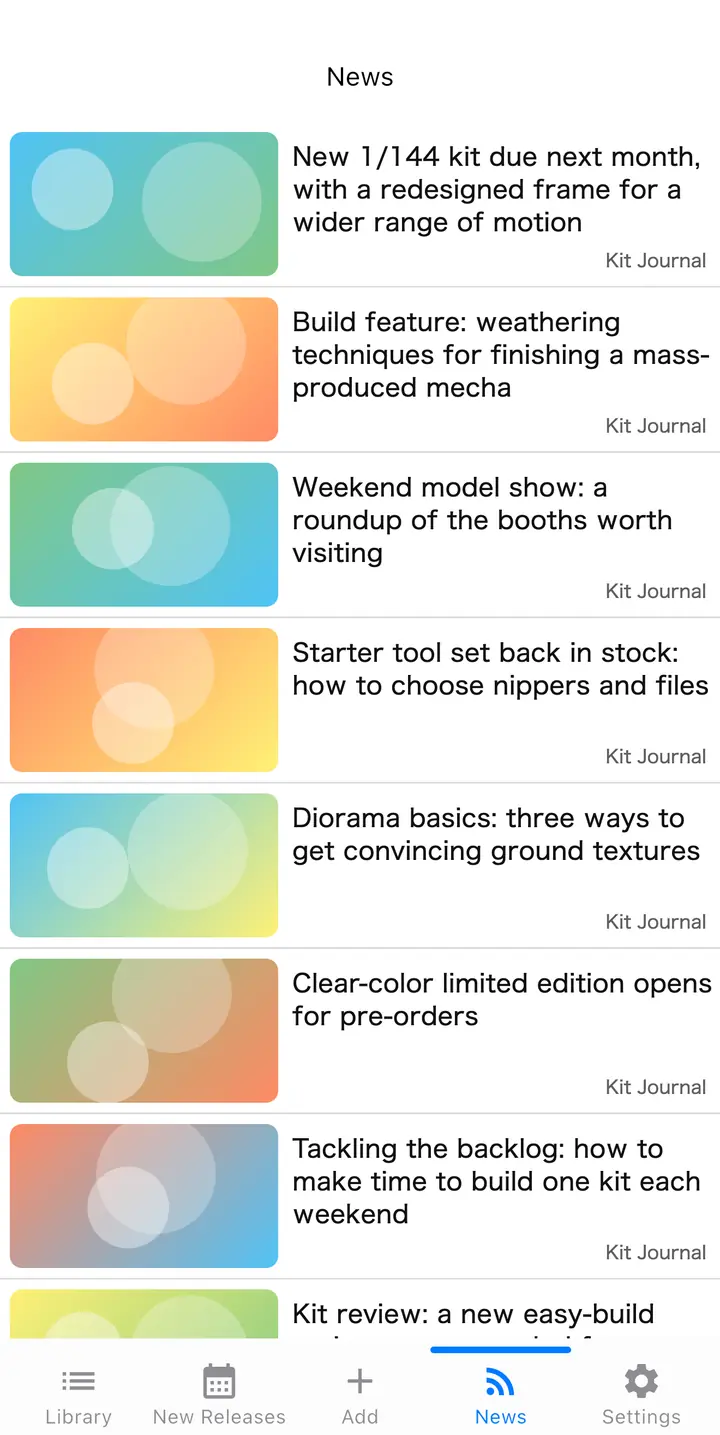
The free plan has a limit on registered kits and keeps one photo per kit. Premium removes ads and the limit, and allows up to three photos. First-time subscribers get the monthly plan free for two weeks.